The Invisible Work Behind Demuxed 2025 VODs

The Invisible Work Behind Demuxed 2025 VODs

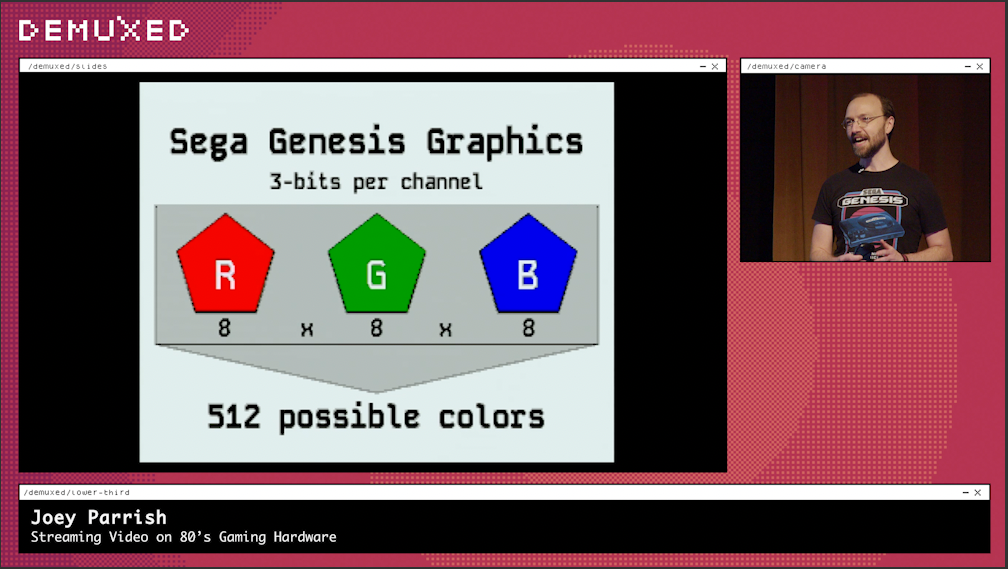
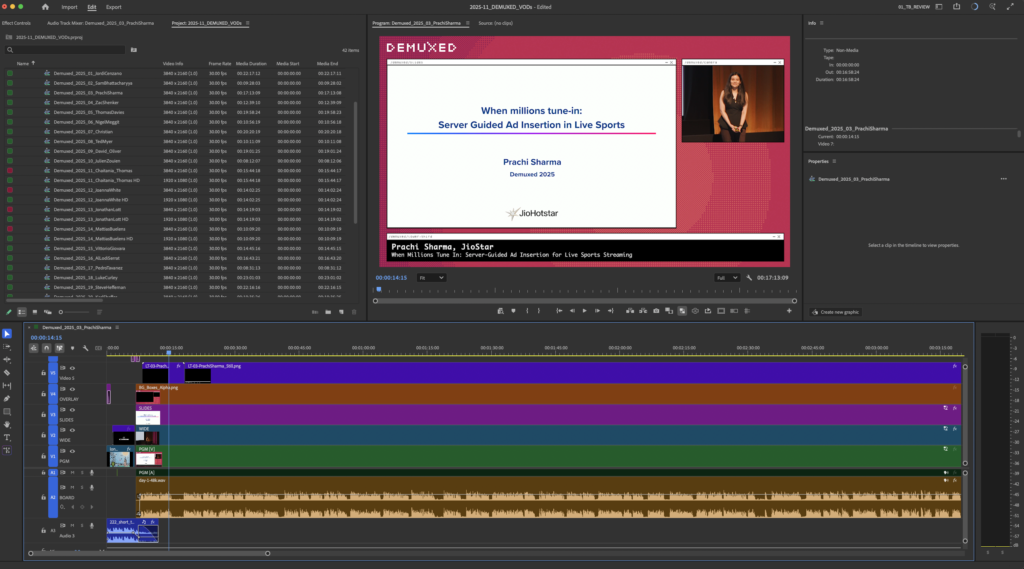
Demuxed 2025 Premiere Project

I’ve always been drawn to magic. So much hard work goes into making an act look effortless. Hours of unseen labor and refinement. And the best magicians don’t want you to think about any of that. They just want you to enjoy the experience.

That’s exactly what editing Demuxed 2025 felt like for me, using techniques I’ve refined over years to make the edits feel invisible. In the spirit of Demuxed Lightning Talks, here’s a 3 minute read about what it took to edit the conference VODs.

Scope: Two Days, Thirty VODs

For Demuxed 2025, I was tasked with turning two full days of talks into 30 individual VODs. Once synced, that’s over 16 hours of content to review! Shoutout to Phil Cluff, one of the organizers, for the great edit notes to get me started. I was given:

• Wide Camera (No audio = Manual sync)
• Tight Camera
• Projector Feed (Slide decks)
• Livestream Feed (8hr file + 9hr file)
• Sound board audio

All told, it was over 500GB worth of material. When dealing with a project this massive, early organization is everything. Done poorly, mistakes compound quickly. Done thoughtfully, prep can save enormous amounts of time and stress later.

Early Prep: The “Boring” Work That Matters

It’s not flashy work, but it’s essential. Here’s where I started, and why each step mattered:

This prep phase is like laying the foundation of a building: tedious but critical. Once this work is done, everything else moves more smoothly. The funny thing? This is the part of edit work I find most satisfying.

GFX: Designing for Flexibility

In addition to the video assets, I received the graphic elements for the talks. For the first time, the 2025 edits were done in 4K. Even though the overall look was similar to last year’s, the graphics had to be rebuilt for the correct scale. Some key decisions:

Demuxed 2025 Overlay

Overlay with transparent boxes – Rather than fight cropping parameters, one simple overlay on the top layer allowed me to easily manipulate the camera/PiP layer. This paired well with Premiere’s Reframe function, helping me keep subjects centered when using the tight shot.

Individual intros and lower thirds – I could have used a single AE comp and typed names per export. Instead, I duplicated the comps so every speaker had their own. More upfront work, yes, but it made revisions much faster and safer.

Repairs: There’s Always Something

Even with careful prep, issues arise. This year’s talks had a few specific challenges:

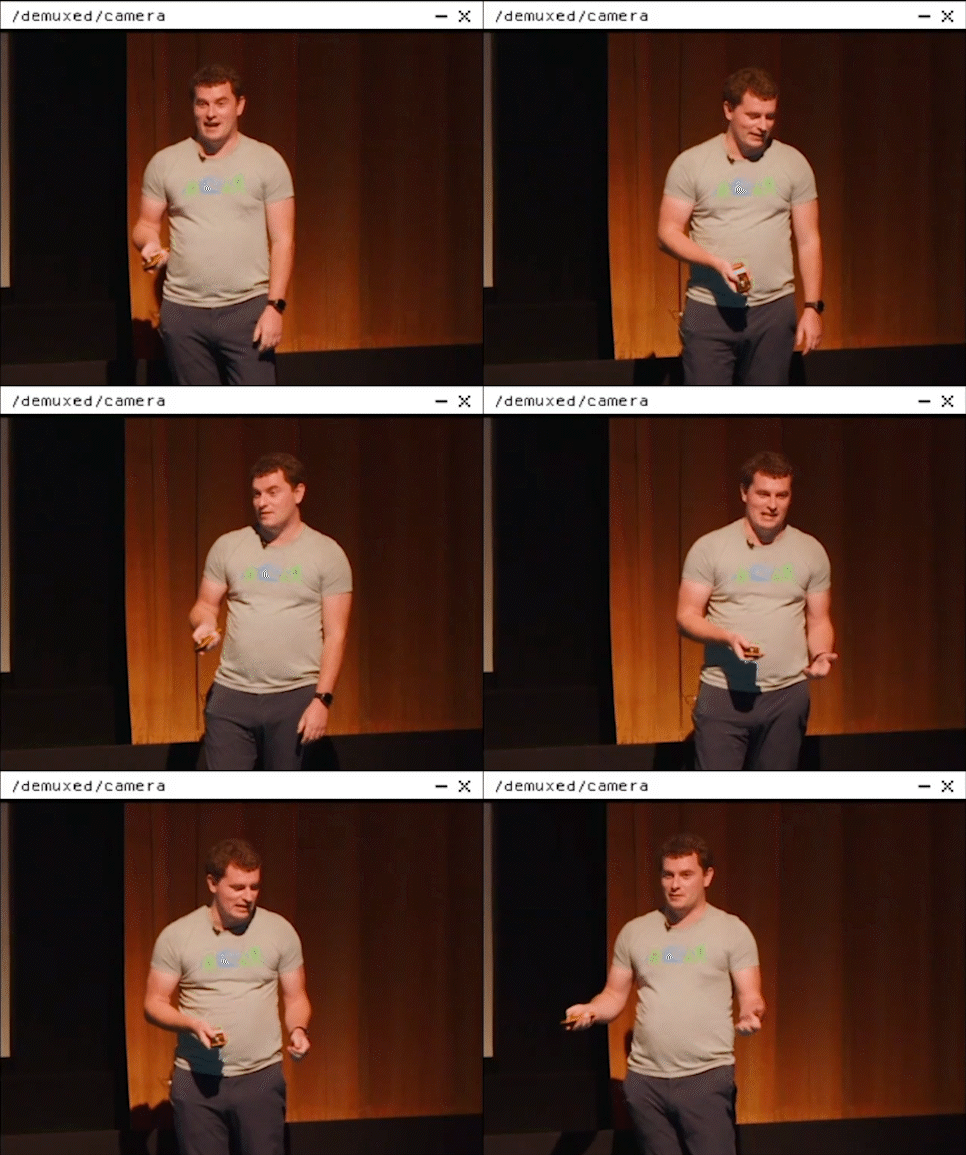
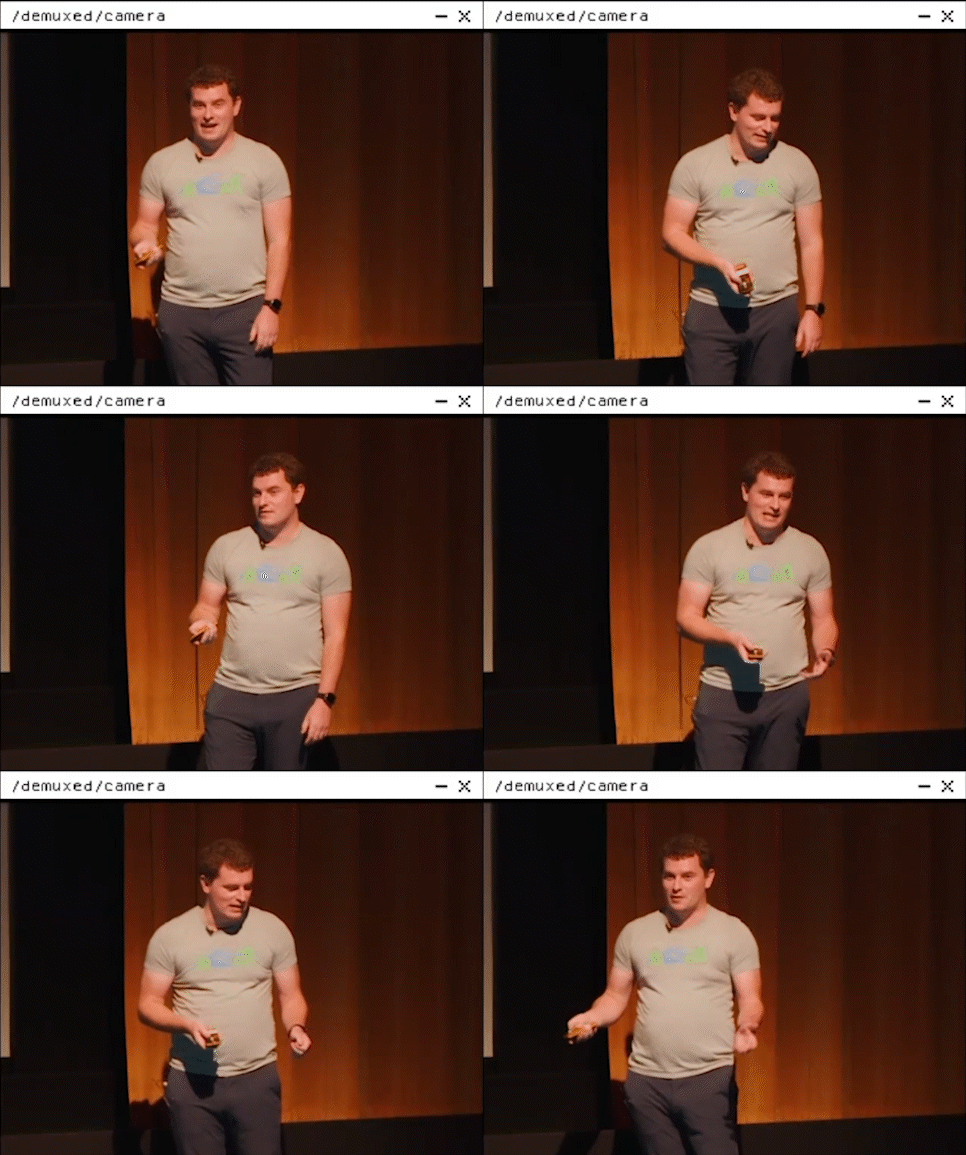
Flickering wide camera – A stage light caused noticeable flicker, especially on the orange curtain. One basic fix is to duplicate the layer, nudge it one frame, and set to 50% opacity. This helped a little, but still looked off. Enter Flicker Free, a hero of a plugin! This thing handled it so well, saving tons of tedious work.

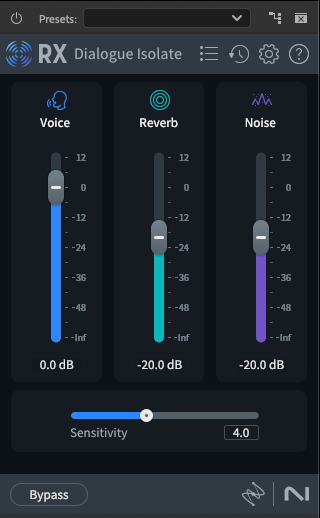
iZotope RX11

Audio noise and clipping – With multiple source audio issues, iZotope RX11 became my Swiss Army knife for repair. Specifically, the Dialogue Isolate was a real workhorse. Not everything was perfect, but most talks came out clean and intelligible. Listen to a before and after example below.

Review

Believe it or not, I reviewed every single talk all the way through. Why? Because occasionally, weird things happen: Someone’s slides won’t change, the microphone messes up, or a presenter pauses longer than usual. All of these thing are no big deal live, but they’re worth fixing in the VODs. And the only way to know when those things happen is to actually watch every bit of the talks.

The Invisible Edit

So, what does success look like for a project like this? Ideally, viewers watch the VODs and have no idea what kind of editing went into them. That’s the point.

The “invisible edit” is the magic here: making everything look just like the live stream, with improvements where possible. And that magic comes from thoughtful, careful preparation, before the first cut is even made.