
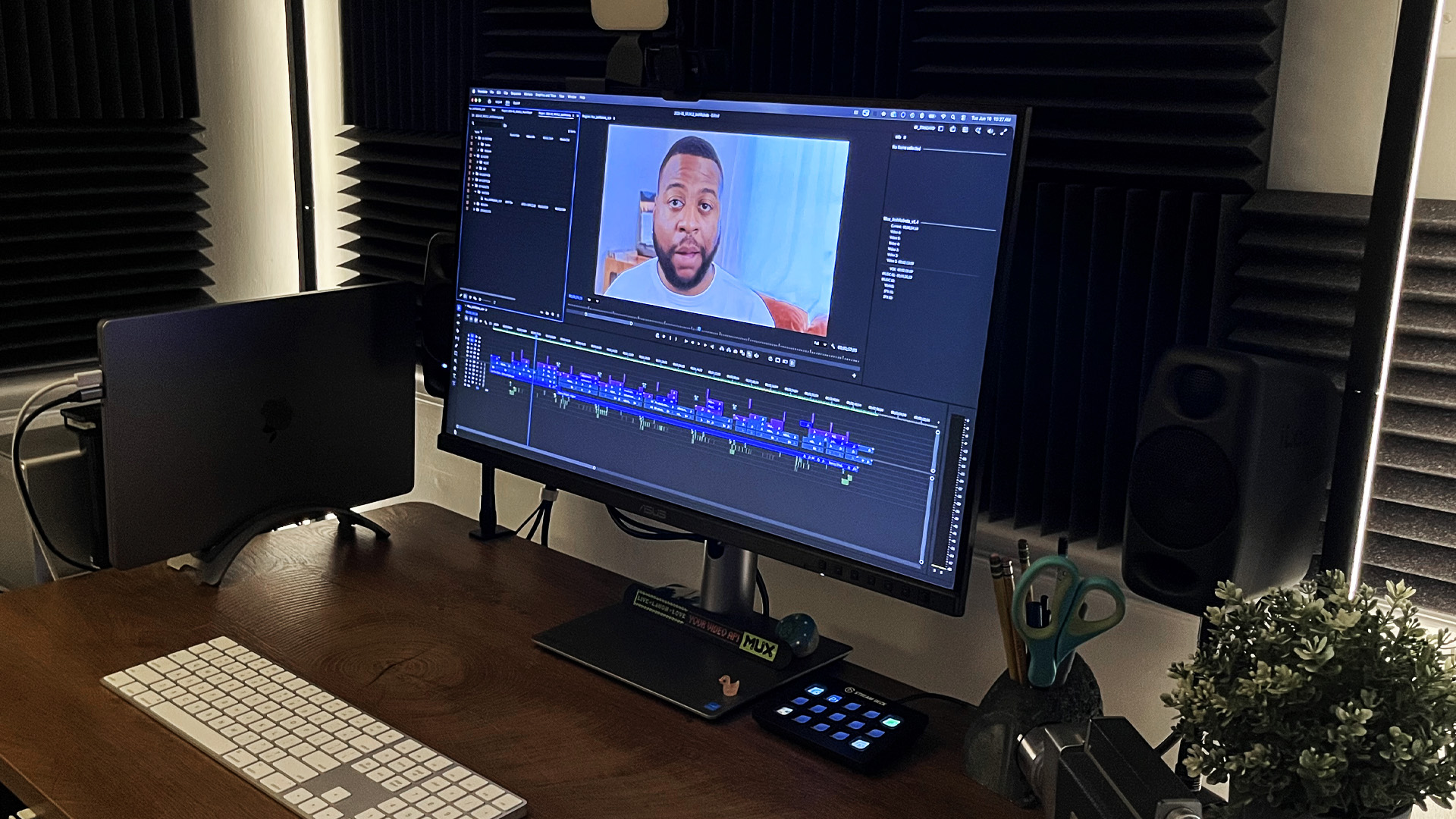
I’ve always valued a clear file structure, but lately, I’ve realized its true worth. Organization doesn’t just make for a tidy drive; it pays the bills. In the last few months, I’ve locked in repeat work from two different clients specifically because of my workflow habits, not just the quality of the final cut.
I recently finished a test project for a new production company. They complimented my communication, but I know that wasn’t the only reason they brought me back for a second edit. The real reason? I didn’t break their system. I stepped into their pipeline, kept everything consistent, and made their lives easier.
I once worked with an editor who was the antithesis of organized: he dumped every asset into one root folder, cut multiple projects on the same timeline, and used plugins the rest of us didn’t have. I dreaded opening his projects. When I started Garden City Edits, I vowed to be the opposite. I wanted to be easy to collaborate with, knowing that’s where the industry is heading.
I knew the clients I was after would have collaborative workflows. Editing in a silo works, until it doesn’t. Here are four seemingly boring things I did early on to make sure I was ready when those opportunities came.
1. Folder Structure & Naming Conventions
My college professor used to say, “Edit in such a way that if you died tonight, someone could pick up your project and know exactly what you were doing.” That stuck with me.
I lower the mental load by using a predictable structure for every project:
01 – FOOTAGE
02 – AUDIO
03 – GRAPHICS
04 – SUBTITLES
05 – PROJECTS
06 – EXPORTS
07 – ADMIN
Each project gets this folder structure immediately, and my Premiere bins mirror this up to Number 05. When that production company hired me, their structure was slightly different, but the logic was the same. I didn’t have to struggle to catch up; I just adapted to their hierarchy.
2. Plugin Safeguarding
We all have favorite plugins, but when you collaborate, they can become a massive liability. If a plugin updates or becomes obsolete, the project breaks for the next editor (or even my future self).
My solution is to pre-render clips that rely on third-party plugins and place those baked clips on top of the timeline. I never delete the original source; I keep it on a lower track, disabled. This gives me a timeline that works for anyone immediately, while still allowing for future manipulation if the client needs a change.
3. Version Tracking
We’ve all seen these files: Final_v2_REAL_final.mov. I knew there must be a better way.
I use a decimal system internally: v1.1, v1.2, etc. The first digit is the version sent to the client, while the second tracks my scratch edits. When I was hired by that production company, they used an alphabetical system (v1a, v1b). It was a different method, but the concept was identical, so the transition was seamless.
4. Stringouts & Timeline Labels
Organization should extend to the timeline itself. When I’m processing footage, I create cleanly labeled stringouts and isolate important bites. I need to understand the goal of the project to do this well, but it pays off during revisions. If a client asks, “Does so-and-so ever mention this?” I can answer quickly.
Bonus: I use the Transcribe function in Premiere on ingest to make this even faster, which lets me search for keywords during the review process.
This habit actually led to a completely new revenue stream. After a client saw my timeline layouts, he hired me as a “Strategic Assistant Editor.” He liked my work as a lead editor, but he also realized he could lean on me to organize his bins, lay out stringouts, and pull selects for his own projects. I literally wouldn’t have this extra income if I didn’t treat my timelines like a shared resource.
The Bottom Line
I love the creative side of editing—the storytelling, color, and graphics—but the boring stuff is the foundation. By keeping clean folders and timelines, I’m not just making my future self happy; I’m making myself the kind of partner clients want to keep around. It keeps the work coming in, and to me, that’s just as important as a good cut.